
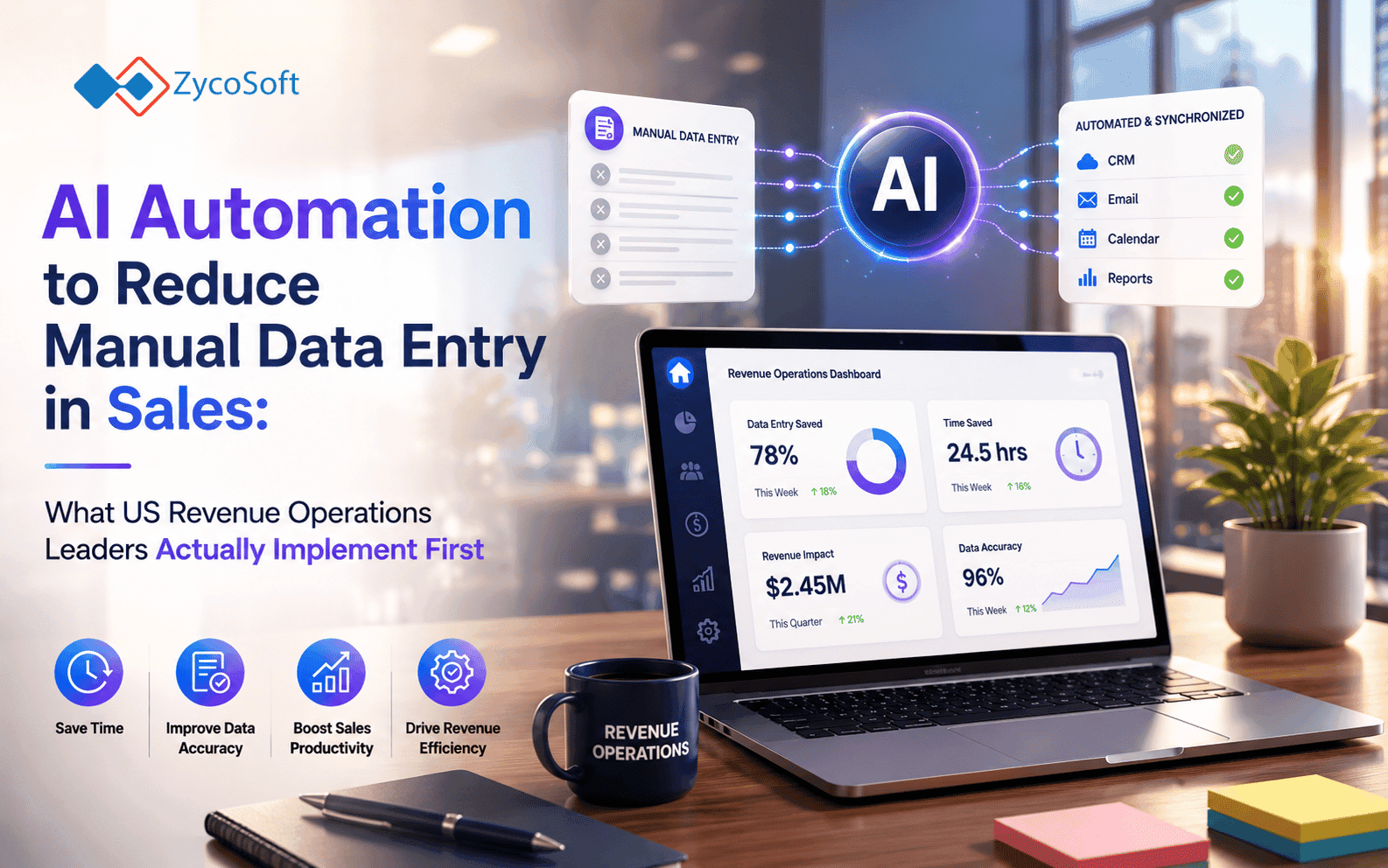
AI Automation to Reduce Manual Data Entry in Sales: What US Revenue Operations Leaders Actually Implement First
The average US sales rep spends between four and five hours per week on manual CRM data entry. That figure comes from consistently replicated sales productivity studies, and it does not include time spent on lead qualification triage, pipeline status updates, or chasing colleagues for activity logs. For a mid-market SaaS company running a team of twenty reps, that is a full-time employee's worth of capacity disappearing into administration every single week.
Revenue operations leaders know this. The challenge is not awareness; it is sequencing. Where do you apply AI automation to reduce manual data entry in sales first, which tooling decisions actually hold up in production, and what operational uplift is realistic before you put it in front of a CFO? This post answers those questions directly, based on what practitioners are building and shipping this year.
Why CRM Data Capture Is Always the First Automation Target
The single highest-return starting point for AI automation in sales operations is automating how activity data enters the CRM. Not lead scoring. Not pipeline forecasting. Data capture first, because every downstream process depends on it.
When reps log calls, emails, and meetings manually, the data is incomplete, inconsistently structured, and often delayed by 24 to 48 hours. Automation built on that foundation inherits every error. The smarter sequence is to fix the source before automating anything that consumes it.
What CRM Data Capture Automation Actually Covers
- Automatic call logging from tools such as Gong, Chorus, or Aircall, with LLM-generated summaries written directly to CRM activity fields
- Email thread parsing to extract contact details, next steps, and sentiment, then populate the relevant deal or contact record
- Web form and inbound lead data mapped automatically to the correct CRM object without manual field matching
- Meeting notes from tools such as Fireflies or Otter pushed to the CRM deal record within minutes of the call ending
Teams that implement this layer first consistently report recovering two to three hours per rep per week within the first 60 days. That is the baseline operational uplift to put in front of your CFO before you touch anything else. For a practical comparison of the automation tools used to orchestrate these workflows, this breakdown of n8n vs Zapier vs Make covers the trade-offs in detail.
Lead Routing and Qualification: The Second Automation Layer
Once your CRM data is clean and arriving automatically, lead routing becomes a straightforward automation problem. The reason most teams struggle with it is not technical complexity; it is that routing logic is undocumented and lives in a sales manager's head.
AI automation can apply territory rules, company size segmentation, product-line fit scoring, and rep availability logic to every inbound lead in real time. Response times that previously ran four to six hours drop to under five minutes. For SaaS companies where speed-to-lead directly correlates with close rate, that single change is measurable in pipeline conversion data within one quarter.
How to Structure the Routing Automation
- Document every routing rule explicitly, including exceptions, before writing a single line of automation logic
- Connect your enrichment source (Clearbit, Apollo, ZoomInfo, or similar) so that company firmographic data is appended to the lead before routing decisions are made
- Build the routing logic as a conditional workflow in n8n or your chosen orchestration layer, not inside the CRM's native automation, which typically lacks the conditional depth required
- Add a fallback rule for leads that do not match any segment, so nothing sits unassigned while the team debates edge cases
- Log every routing decision with its reasoning to a separate audit field so the rules can be reviewed and improved monthly
The enrichment step is where most teams underestimate complexity. Enrichment APIs return data in varying formats, with varying confidence scores, and with gaps for smaller companies or international contacts. Your automation pipeline needs to handle those gaps gracefully rather than failing silently and routing incomplete records. This is one of the scenarios where understanding the difference between AI agents and traditional workflow automation matters to the architecture decision you make.
Pipeline Hygiene: Automating the Work Nobody Wants to Do
Pipeline hygiene is the third automation layer, and it is where revenue operations leaders see the clearest reporting impact. Stale deals, missing close dates, contacts without activity in 30-plus days, and stages that do not reflect actual buyer progress are all detectable programmatically. They do not require human judgement to identify, only to resolve.
A well-structured hygiene automation runs on a scheduled basis, typically nightly or weekly, and surfaces exceptions rather than making changes autonomously. The automation identifies the problem; the rep or manager decides the action. This keeps human accountability in the process while eliminating the manual audit work entirely.
Pipeline Hygiene Checks That Automate Cleanly:
- Deals with no activity logged in the last 14 days, flagged to the owning rep with a Slack or email nudge
- Opportunities missing a defined next step or close date, escalated to the manager dashboard
- Contacts added to a deal without a valid email or phone record, queued for enrichment or manual review
- Deals sitting in a stage longer than the median sales cycle for that segment, marked for pipeline review
- Duplicate company or contact records detected via fuzzy matching, surfaced for merge or deletion
Implementing this layer typically reduces the time a RevOps team spends on pre-forecast pipeline scrubbing by 40 to 60 percent. The output is also more consistent, because the same rules apply every time rather than varying based on who ran the audit.
Tooling Decisions: n8n, LLMs, and Custom Pipelines
The tooling stack for sales automation in 2026 has converged around a recognisable pattern at the mid-market level. Orchestration sits in n8n or a comparable workflow engine. LLMs handle unstructured data interpretation, call transcript summarisation, email parsing, and lead scoring narrative generation. CRM APIs carry the final write operations.
Native CRM automation tools (Salesforce Flow, HubSpot Workflows) handle simple linear triggers well. They consistently fall short when the logic requires branching on enrichment data, calling an external LLM, or writing to multiple objects conditionally. That is the boundary where custom pipelines become necessary rather than optional.
When to Build a Custom Automation Layer:
Off-the-shelf connectors and native CRM automation are sufficient when your stack is standard and your workflows are linear. Build a custom layer when:
- Your CRM field structure is non-standard or heavily customised.
- You need an LLM to interpret unstructured input before data enters the CRM.
- Your routing or scoring logic has more than three or four conditional branches.
- You are integrating more than four systems that need to share data in a single workflow.
- You need full audit logging of every automated decision for compliance or forecasting review purposes.
The cost of building this custom layer is real, but it is a one-time engineering investment rather than a recurring per-seat SaaS fee that scales against you as the team grows. Teams that try to force complex workflows into Zapier or native CRM tools consistently hit limits within six months and rebuild anyway, at greater total cost.
What Operational Uplift to Expect Before Committing Budget:
Realistic expectations matter more than optimistic projections when you are presenting an AI automation business case internally. The numbers below reflect what mid-market US sales and revenue operations teams are reporting from production deployments this year, not vendor marketing.
- CRM data capture automation: two to three hours per rep per week recovered, measurable within 60 days
- Lead routing automation: speed-to-lead reduced from hours to under five minutes, close rate impact visible within one quarter
- Pipeline hygiene automation: pre-forecast scrubbing time reduced by 40 to 60 percent, forecast accuracy typically improves by the second reporting cycle
- Combined RevOps automation programme: 60 to 80 percent reduction in manual CRM entry across the team within 90 days of full deployment
The critical prerequisite that determines whether these numbers are achievable is CRM data quality at the point automation begins. Automation built on a database with inconsistent field usage, duplicate records, or missing segment tags will produce inconsistent outputs. A data quality audit before automation build is not optional; it is the foundation the entire programme sits on.
If your existing tooling cannot support the automation architecture your process requires, or if previous attempts at native CRM automation have stalled on edge cases and integrations, the issue is usually that the custom logic layer was never built. That is the gap ZycoSoft fills as an embedded engineering partner. We design and build production AI automation pipelines using n8n and LLMs, integrated directly with your CRM, enrichment stack, and internal systems, with the full audit trail and exception-handling that off-the-shelf tools leave out. US COOs working through the sequencing decision will find additional context on prioritisation across operations functions, not just sales.
If your revenue operations team is ready to move from manual workflows to a production automation layer, speak with ZycoSoft directly. Bring your current stack, your routing logic, and your CRM field map. We will tell you precisely where the custom build starts and what it takes to get it into production.
Frequently Asked Questions
CRM data capture automation consistently delivers the fastest return. By connecting call intelligence tools, email parsing, and web form data to your CRM through an automated pipeline, sales reps recover two to three hours per week immediately. This requires no change to the sales process itself, only to how data flows into the system after each interaction.
The typical sequence is: CRM contact and activity logging, lead enrichment from third-party data sources, lead routing and assignment rules, and pipeline hygiene checks. Teams that try to automate everything at once rarely see clean outcomes. Sequencing by data dependency, enrichment must precede routing, produces significantly better results within the first 60 days.
n8n is the right choice when your automation needs to branch on conditional logic, call internal APIs, or connect systems that lack native Zapier integrations. For sales ops, this typically means multi-step lead scoring pipelines, custom CRM field updates triggered by external events, or LLM-assisted summarisation of call transcripts before they hit the CRM. Zapier handles linear tasks; n8n handles workflows with decision points.
Most mid-market sales teams eliminate 60 to 80 percent of manual CRM entry within the first 90 days of a well-scoped automation deployment. The remaining 20 to 40 percent typically involves edge cases, unstructured data, or context-dependent judgements that require human review. The goal is not 100 percent automation but removing the high-volume, low-judgement tasks entirely.
Before committing budget, evaluate three things: the quality and consistency of your current CRM data (automation built on dirty data produces dirty outputs), which tasks consume the most human hours per week, and whether your existing tools have APIs that support programmatic access. If your CRM or enrichment stack lacks clean API access, budget for a custom integration layer rather than assuming native connectors will cover the requirement.
Yes, but only if your routing logic is explicitly documented. LLMs and rule-based automation can apply complex territory, segment, and product-line logic to inbound leads in real time, eliminating the manual triage step. The prerequisite is a routing rulebook that does not live in a sales manager's head. Teams that document their routing logic as a precondition to automation typically see lead response times drop from hours to under five minutes.
Custom pipelines make sense when your workflow requires LLM-assisted interpretation of unstructured data, when you have more than four or five tools in your stack that need to communicate with each other, or when your CRM field structure is non-standard. Off-the-shelf connectors are built for common configurations. If your sales process is differentiated, your automation layer usually needs to be too.