
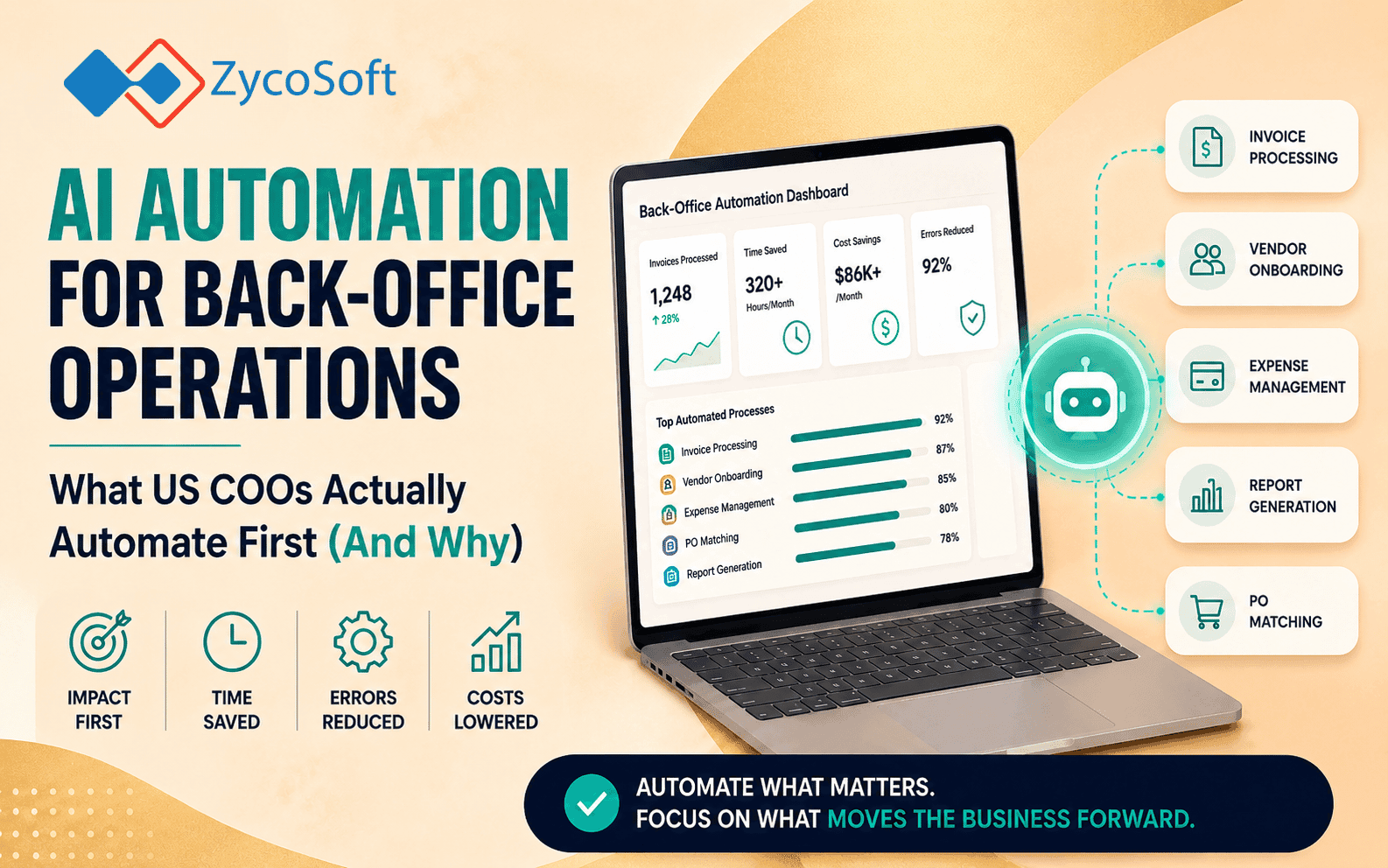
AI Automation for Back-Office Operations: What US COOs Actually Automate First (And Why)
The operations lead at a mid-sized SaaS company in Austin had the same conversation with her CEO every quarter. Headcount was flat. Revenue was up 40 percent year-on-year. And her team of nine was somehow expected to handle onboarding volumes, billing reconciliation, and internal reporting that had tripled in eighteen months. Nobody was dropping the ball yet, but they were one bad month away from it. She was not looking for more staff. She was looking for a way to make the work stop landing on people.
She had looked at Zapier. She had looked at off-the-shelf workflow tools. None of them handled the edge cases: invoices that arrived as scanned PDFs with inconsistent formatting, onboarding documents that needed extracting and cross-referencing against three different systems, weekly ops reports that took four hours to compile manually every Friday afternoon. What she needed was not a connector. She needed a pipeline that could read, reason, and act.
That situation is not unusual. It is, in fact, the most common starting point for COOs engaging with ai automation services for reducing manual back office tasks. The volume grows. The team does not. And the question shifts from "should we automate?" to "where exactly do we start?"
Why Sequencing Your Automation Roadmap Matters More Than the Tools You Pick
The right automation sequence gives early wins that justify further investment. The wrong sequence wastes three months integrating a complex workflow before your team trusts the output enough to act on it.
Most COOs who approach ai automation for back office operations without a sequenced plan make the same mistake: they go after the most painful workflow first, rather than the most automatable one. Those are not the same thing. A painful workflow that involves significant human judgement, ambiguous inputs, or inconsistent data is a difficult place to start. A painful workflow that is high-volume, rule-based, and produces structured outputs is an excellent first target.
The practical principle is this: start where you can measure the result within weeks, not quarters. That measurability is what builds internal credibility and funds the next phase.
Step One: Document Processing and Data Entry
Document processing and structured data entry are almost always the right first automation target for a US SaaS or professional services company scaling past 20 staff. They are high in volume, low in judgement, and brutally expensive in human hours.
In a typical professional services firm, team members might spend anywhere from five to ten hours per week manually extracting information from contracts, intake forms, or client-submitted documents and entering it into a CRM or project management tool. At a blended hourly rate of fifty dollars, that is two hundred fifty to five hundred dollars per person per week in recoverable cost, before you account for errors and their downstream consequences.
LLM-based document processing pipelines handle this differently. A well-built pipeline can ingest a document in any format, identify and extract the relevant fields, validate them against business rules, and push them into the target system, with a human review flag triggered only when confidence falls below a defined threshold. Moving from manual data entry to LLM-driven pipelines is not a theoretical upgrade. Production deployments consistently show a 70 to 85 percent reduction in manual handling time within the first eight weeks.
Step Two: Invoice Matching, Billing Reconciliation, and Payment Workflows
Billing and invoice workflows are the second highest-priority target because errors here have direct financial consequences and are almost entirely preventable with automation.
For a SaaS company billing monthly across hundreds of accounts, manual reconciliation between the billing platform, the payment processor, and the accounting system is a significant time sink. Mismatches that require human investigation compound quickly. An automation layer that monitors payment events, matches them against expected charges, flags discrepancies, and triggers resolution workflows eliminates most of that burden.
This is also an area where payment integration experience matters. Platforms like Stripe, Mollie, and Razorpay all expose webhook and API event streams that can feed directly into an automation pipeline. The complexity is not in the concept. It is in building pipelines that handle edge cases: partial payments, retries, disputed charges, multi-currency transactions. Getting that logic right in the build phase prevents a different kind of manual work from appearing on the other side.
Realistic outcome: companies automating their billing reconciliation workflow typically reduce processing time by 60 to 75 percent and see accounts-receivable error rates drop materially within the first billing cycle after deployment.
Step Three: Internal Reporting and Operational Dashboards
Internal reporting is the third workflow to automate, and it is often the one that surprises ops leaders most with its recoverable hours.
In companies between 20 and 150 staff, weekly or monthly ops reports are frequently assembled by hand. Someone pulls data from the CRM, combines it with data from the project management tool, checks figures against the billing platform, formats everything into a slide or spreadsheet, and sends it up the chain. It is not unusual for this to consume three to five hours of a senior person's time every reporting cycle.
An automated reporting pipeline changes that entirely. Data is pulled on a schedule, structured, summarised (using an LLM where narrative context is needed), and delivered in whatever format the leadership team prefers. The human role shifts from assembly to review and decision-making, which is where that person's time should have been spent anyway.
Tools like n8n are particularly well-suited to this kind of pipeline. As covered in our practitioner comparison of n8n, Zapier, and Make, n8n's flexibility with conditional logic and multi-step workflows makes it a strong foundation for reporting automation that needs to pull from more than two or three sources.
Step Four: Client Onboarding and Internal Handoff Workflows
Client onboarding automation delivers its highest value once your document processing and internal data flows are already reliable, which is why it belongs at step four rather than step one.
Onboarding is operationally complex because it spans multiple teams, requires data from the client, depends on outputs from the billing system, and has a direct impact on client perception. Automating it prematurely, before the underlying data pipelines are stable, creates a worse experience than doing it manually. Done in the right sequence, it compresses onboarding timelines significantly.
A well-built onboarding automation handles the following without human intervention:
- Triggering a welcome sequence on contract signature or first payment confirmation
- Creating the client record across CRM, project management, and billing systems simultaneously
- Routing intake documents through the LLM extraction pipeline built in step one
- Assigning team members and sending internal task notifications based on service type
- Flagging exceptions, missing documents, or data mismatches for human review
The result is a process that used to take a member of the ops team forty-five minutes to ninety minutes per new client, reduced to a five-minute review of the flagged exceptions. At scale, that difference is not marginal. It is structural.
What Realistic Efficiency Gains Actually Look Like
The most credible way to set expectations is by workflow, not by a single headline number. Aggregate claims about AI productivity rarely survive contact with a specific ops environment. Workflow-level projections do.
Here is a realistic summary of what production ai automation services for reducing manual back office tasks deliver in SaaS and professional services environments:
- Document processing and data entry: 70 to 85 percent reduction in manual handling time per document
- Invoice matching and billing reconciliation: 60 to 75 percent reduction in processing time, with near-elimination of manual error correction
- Internal reporting: 65 to 80 percent reduction in report preparation time per cycle
- Client onboarding: 50 to 70 percent reduction in ops team time per new client, with faster time-to-active for the client
These are not projections from pilots. They reflect custom ai automation pipelines deployed in production environments where the build was scoped properly, the data inputs were clean, and the exception-handling logic was designed before the pipeline went live. The ROI of transitioning from manual back-office workflows to scalable automation compounds over time as the same infrastructure handles growing volume without proportional headcount growth.
The Austin ops lead from the opening of this post went through exactly this sequence. Document processing first, then billing reconciliation, then reporting. By month four, her team of nine was handling the operational load that would previously have required twelve or thirteen people. The work did not disappear. It moved from human hands into pipelines, and the humans shifted to the decisions that actually required them.
If your back-office volume is growing faster than your team can absorb it, the sequencing above is where to start. If you want to scope what that build looks like for your specific environment, talk to the ZycoSoft team directly. We design and build custom AI automation pipelines for US SaaS and professional services companies, and we can tell you within a first conversation whether your workflows are ready to automate now or need a short preparation phase first.
Frequently Asked Questions
Most COOs see the fastest return by starting with document processing and data entry, followed by invoice matching and billing workflows. These are high-volume, rule-based tasks with measurable error rates and clear time costs. Automating them first builds operational confidence and frees up team capacity before tackling more complex workflows like client onboarding or reporting.
A focused first automation phase, covering document ingestion, data extraction, and a single workflow like invoice processing, typically takes four to eight weeks to design, build, and deploy. More complex pipelines involving LLM-based document classification or multi-system integrations may take ten to fourteen weeks. The timeline depends heavily on how clean and accessible your existing data is.
Realistic gains vary by workflow. Invoice and billing automation typically reduces processing time by 60 to 80 percent. Data entry and document handling often eliminate three to six hours of manual work per team member per week. Internal reporting automation can cut report preparation time by 70 percent or more. These are not theoretical figures; they reflect production deployments in SaaS and professional services environments.
No. The most effective custom AI automation pipelines are built to sit on top of your existing tools, CRM, billing platform, project management software, and document storage, using APIs and workflow automation layers like n8n. You extend what you have rather than replacing it, which reduces risk and deployment time significantly.
Zapier and similar no-code tools handle simple, linear trigger-and-action workflows well. Custom AI automation pipelines go further by incorporating LLMs for document classification, entity extraction, anomaly detection, and conditional logic that no-code tools cannot handle. For COOs managing complex back-office operations, custom pipelines built with tools like n8n and integrated LLMs deliver far more durable and scalable results.
Most companies fund the first phase by calculating the fully loaded cost of the manual hours being replaced. A team spending fifteen hours per week on data entry and reporting at a blended rate of fifty dollars per hour represents roughly thirty-nine thousand dollars per year in recoverable cost. That calculation usually makes the business case for an initial automation build straightforward to approve at the COO or CFO level.
Yes, but it requires deliberate architecture. Workflows involving contracts, financial data, or personally identifiable information need audit trails, role-based access controls, and data handling practices aligned with relevant regulations. When built correctly, AI automation can actually improve compliance by creating consistent, logged, and reviewable process records that manual workflows rarely produce.