
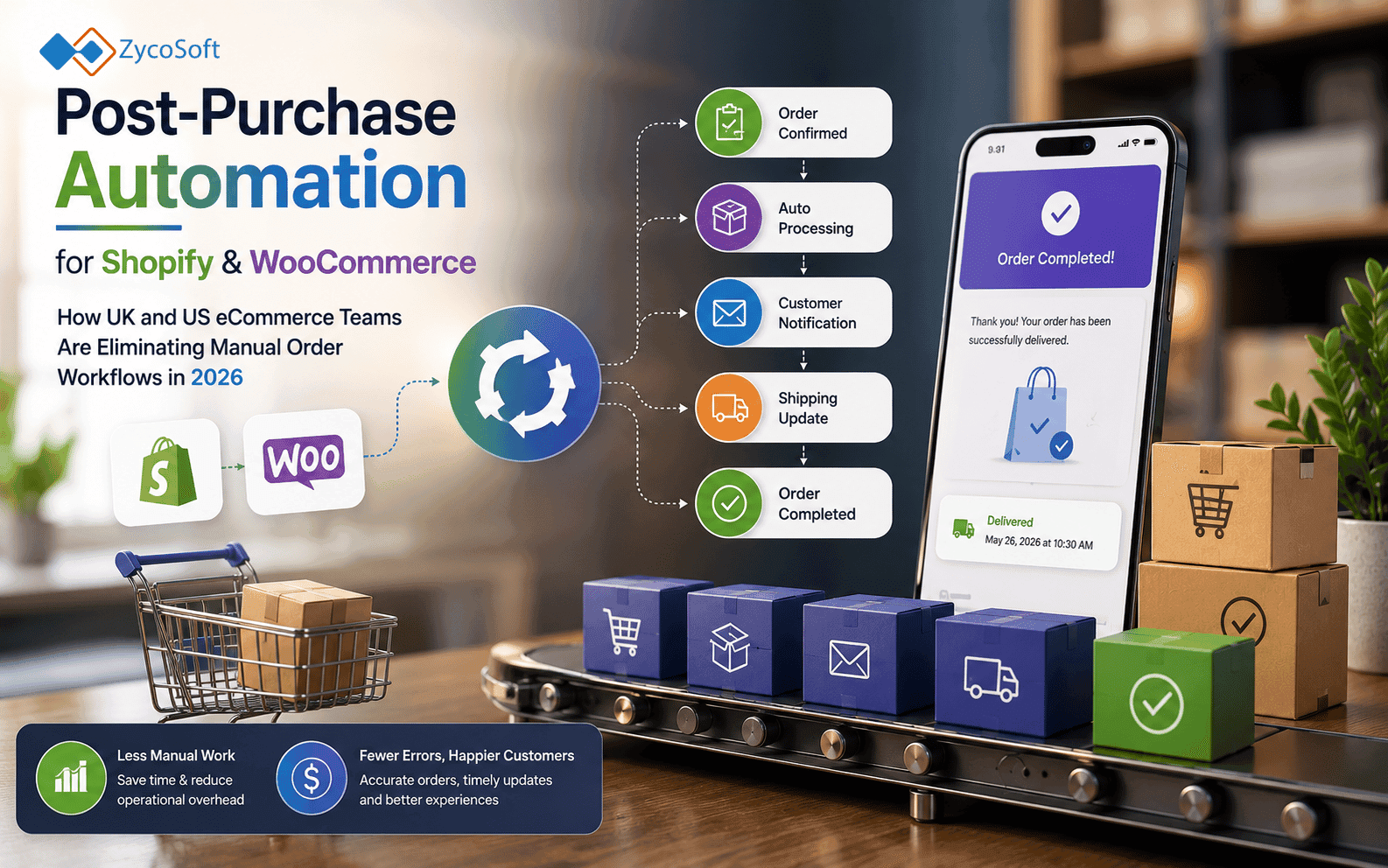
Post-Purchase Automation for Shopify and WooCommerce: How UK and US eCommerce Teams Are Eliminating Manual Order Workflows in 2026.
The average Shopify or WooCommerce store spends more engineering and operational effort on abandoned cart recovery than on everything that happens after a customer pays. That is a significant misallocation. The post-purchase phase, covering order confirmation, fulfilment updates, returns handling, review collection, and reorder nudges, is where retention is won or lost, and where the highest volume of manual operational effort accumulates as order numbers grow.
Native platform automation tools do not solve this. Shopify Flow handles basic triggers. WooCommerce plugins handle slightly more complex ones. Neither is built for the conditional, multi-system orchestration that a growing DTC brand actually needs. This post covers what post-purchase automation for Shopify and WooCommerce looks like when it is done properly, why the defaults break at volume, and what the decision to build custom automation actually involves.
Where Native Platform Automation Stops Being Useful:
Shopify Flow and WooCommerce's automation ecosystem are adequate for single-condition, single-destination triggers. Send a confirmation email when an order is placed. Tag a customer when they reach a spend threshold. These are table-stakes features, not automation in any meaningful operational sense.
The problems appear when your post-purchase workflows require more than one condition, more than one external system, or any degree of dynamic content based on order data. Common examples include:
- Sending different fulfilment update messaging depending on which 3PL or carrier is handling the shipment
- Routing returns requests to different warehouse teams based on product category and return reason
- Suppressing a review request if a customer has already raised a support ticket for that order
- Triggering a reorder nudge based on the average consumption cycle for a specific product, not a fixed number of days post-purchase
None of these are unusual requirements for a DTC brand processing 300 or more orders per day. All of them exceed what Shopify Flow or a standard WooCommerce automation plugin can handle without significant workarounds. At that point, the "automation" becomes a patchwork of manual interventions and platform hacks that add complexity without removing labour.
The Specific Post-Purchase Workflows Being Automated with n8n:
n8n ecommerce automation gives operations teams a self-hosted, self-controlled workflow layer that sits between their Shopify or WooCommerce store and every downstream system. Because it connects via webhooks and APIs rather than proprietary integrations, it handles the kind of conditional, multi-system logic that platform-native tools cannot.
Fulfilment Status Notifications:
This is typically the first workflow teams rebuild with n8n. The default Shopify or WooCommerce shipping notification is a single templated email triggered when a tracking number is added. A custom pipeline can listen to carrier API status events in real time, apply different messaging logic for delayed shipments versus on-time ones, and route updates to email, SMS, or WhatsApp depending on the customer's communication preference captured at checkout.
A UK-based homeware DTC brand, for example, might handle fulfilment across three carriers depending on order weight and destination postcode. A custom n8n pipeline can branch on carrier identity, pull the relevant tracking data, and push carrier-specific update messages without any manual routing decision.
Returns Initiation and Routing:
Returns are one of the highest-cost manual workflows in eCommerce operations. Most Shopify and WooCommerce stores handle returns through a combination of email, a returns portal app, and manual warehouse communication. A custom WooCommerce order automation or Shopify pipeline can:
- Accept a return request via a branded portal or chatbot
- Validate the return eligibility against order data and return policy rules automatically
- Generate a returns label and send it without human involvement
- Notify the relevant warehouse team with a structured handoff record
- Trigger a refund or exchange workflow once receipt is confirmed by the warehouse
For US DTC brands handling 500 or more returns per week, removing the manual steps in this sequence typically reduces processing time from 48 hours to under four hours.
Review Request Timing and Suppression Logic:
Sending a review request three days after dispatch is a platform default, not a strategy. A meaningful review request lands after the customer has received and used the product, and is suppressed entirely if the customer has had a negative experience. Custom post-purchase automation Shopify pipelines can trigger review requests based on delivery confirmation events from carrier APIs rather than estimated dispatch dates, and cross-reference the customer's support ticket history before sending.
Reorder Nudges Driven by AI:
This is where AI automation for ecommerce operations moves beyond scheduling. LLM-generated reorder nudges, built on purchase history and product consumption data, outperform fixed-interval email sequences because the timing and message content are specific to each customer's actual behaviour. An n8n pipeline can pass order data to an LLM, receive a personalised nudge message, and route it through the appropriate channel without manual copywriting for each segment. This is now a production pattern, not an experiment, for DTC brands with subscription or repeat-purchase product lines.
Why Custom Post-Purchase Flows Shopify Teams Build Outperform App-Stack Solutions
The reflex response to post-purchase automation gaps is to add another Shopify app. Klaviyo for email sequences, Gorgias for support routing, Yotpo for reviews, Loop for returns. Each of these is a capable tool in isolation. The problem is that they do not share state, and connecting them requires either manual processes or expensive custom integrations that sit outside your control.
A custom automation layer built on n8n acts as the connective tissue between these tools. It holds the workflow logic centrally, passes data between systems on a defined schedule or event trigger, and gives your operations team a single place to audit what happened in any given post-purchase sequence. This matters for two reasons:
- Operational visibility: When something goes wrong in a post-purchase flow, you need to know where it broke. A fragmented app stack makes that diagnosis slow and often requires support tickets to multiple vendors.
- GDPR compliance: For UK stores in particular, knowing exactly where customer data flows after a purchase is not optional. A centralised automation layer with defined data handling rules is significantly easier to audit and document than a stack of third-party apps each processing data under their own terms.
Teams that have built custom AI automation for back-office operations often find that the same architectural approach applies directly to eCommerce post-purchase workflows. The patterns are transferable: event-driven triggers, conditional branching, LLM integration for dynamic content, and structured logging for compliance.
The Build Decision: When to Move Beyond Platform Defaults
Not every Shopify or WooCommerce store needs a custom automation build. The decision should be based on operational cost, not platform frustration. The case for building custom ecommerce workflow automation is clear when three or more of the following are true:
- Your team is manually processing more than 50 post-purchase actions per day that should be automated
- A single post-purchase workflow requires data from more than two systems
- Your current automation stack cannot handle conditional logic based on external data sources
- You are losing review volume or reorder revenue because your timing logic is fixed rather than event-driven
- Returns processing is taking more than 24 hours due to manual routing steps
- You cannot audit what triggered a specific automated communication to a specific customer
If the answer to three or more of these is yes, the manual overhead you are carrying is almost certainly costing more than a custom automation build over a 12-month horizon. A structured comparison of n8n against Zapier and Make is worth reviewing before deciding on the tooling layer, as the architectural differences between them matter significantly for eCommerce workflows at volume.
The build itself does not require a large engineering team or a lengthy timeline. A focused engagement covering workflow mapping, n8n pipeline build, and integration testing typically delivers production-ready post-purchase automation within six to ten weeks, depending on the number of systems involved.
What a Production Post-Purchase Automation Stack Actually Looks Like:
A mature post-purchase automation Shopify or WooCommerce implementation running on a custom n8n layer typically connects the following components:
- Shopify or WooCommerce webhooks as event sources (order created, order updated, fulfilment created, refund created)
- Carrier APIs for real-time shipment status (Royal Mail, Evri, UPS, FedEx, or 3PL-specific APIs)
- Email service provider (Klaviyo, Mailchimp, or a transactional provider such as SendGrid) for outbound messaging
- SMS or WhatsApp gateway for high-priority status updates:
- CRM or helpdesk platform (HubSpot, Zendesk, Gorgias) for support ticket cross-referencing
- Warehouse management system or 3PL API for returns routing
- LLM integration (via OpenAI or an equivalent) for dynamic message generation:
The n8n layer orchestrates the logic between these components. No single vendor owns the workflow. Your team can modify the logic, add new branches, and audit every execution without raising a support ticket. That level of control is not available in any app-stack configuration, and it becomes more valuable the higher your order volume grows.
If you are running a Shopify or WooCommerce store and your post-purchase workflows are still generating manual overhead, the architecture to fix that is well understood and deployable within weeks. The question is not whether to automate, it is how much the delay is costing you.
Talk to ZycoSoft about mapping and automating your post-purchase workflows. We work with eCommerce operations teams in the UK and US to build custom n8n pipelines and AI automation that replace manual order workflows with production-grade, auditable automation.
Frequently Asked Questions
Post-purchase automation covers every workflow that triggers after a customer completes a purchase: order confirmation, fulfilment status updates, shipping notifications, returns initiation, review requests, and reorder nudges. On Shopify and WooCommerce, most of these are either handled by rigid platform defaults or managed manually by operations staff, which creates significant overhead at scale.
Shopify Flow and WooCommerce automation plugins work well for simple, linear triggers. They struggle with conditional logic across multiple data sources, cross-platform orchestration involving third-party fulfilment or CRM systems, and anything requiring AI-driven personalisation. Teams processing more than a few hundred orders per day typically find the native tools create bottlenecks rather than removing them.
n8n is a self-hosted workflow automation tool that connects Shopify or WooCommerce webhooks to any downstream system, including fulfilment APIs, CRM platforms, helpdesk tools, SMS gateways, and email service providers. Because it runs on your own infrastructure, it handles complex conditional branching, retries, and data transformation without per-task pricing or the throughput limits of SaaS automation tools.
The highest-priority workflows are typically fulfilment status notifications with carrier-specific branching, automated returns initiation linked to warehouse management systems, and review request timing logic based on delivery confirmation rather than order date. Reorder nudges driven by purchase history and LLM-generated messaging are increasingly common among DTC brands processing more than 500 orders per week.
The build decision makes sense when your current manual processing cost exceeds the build cost within 12 months, when you need to connect more than two systems in a single post-purchase flow, or when your platform's native automation cannot handle conditional logic based on external data. Most operators hit this point between 300 and 800 orders per day, depending on order complexity and fulfilment model.
GDPR compliance in post-purchase automation depends on how customer data is handled across each connected system. Custom pipelines built on self-hosted infrastructure such as n8n give you full control over data residency and processing logic. Any automated communication, including review requests and reorder nudges, must honour consent preferences and unsubscribe signals, which should be built into the workflow logic from the start rather than added later.