
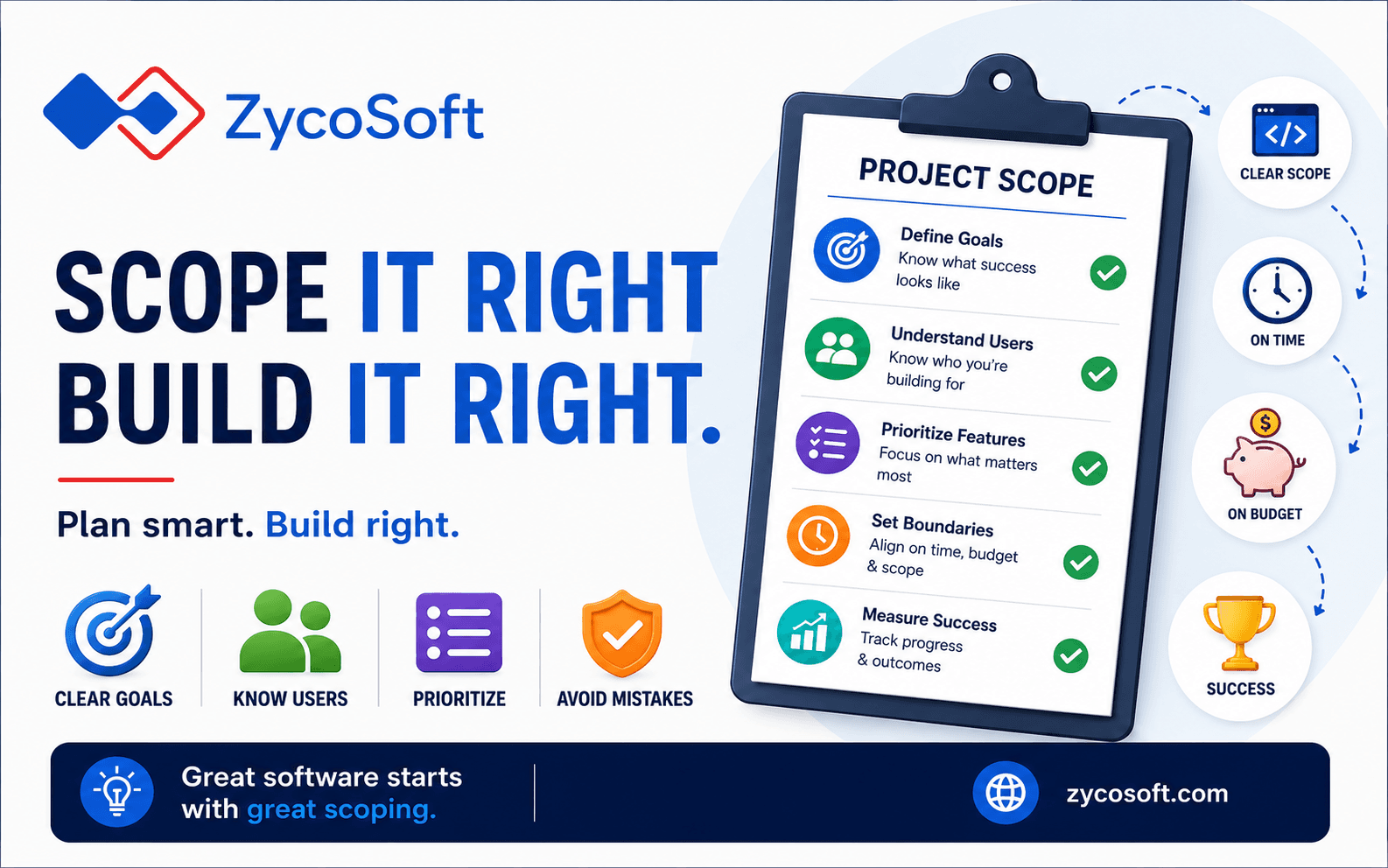
How to Scope a Software Project Before You Talk to Any Developer
Introduction
One of the most expensive mistakes businesses make is rushing into software development without properly understanding what they actually need. You've identified a problem, you know a solution exists, and you're ready to talk to developers but that's precisely where things can go wrong.
Without proper scoping, you risk unclear requirements, scope creep, budget overruns, and failed projects. The good news? You don't need to be a technical expert to scope a software project effectively. What you need is a structured approach and clarity on your business objectives.
This guide walks you through the essential steps to define your software project scope before you ever speak to a developer. Following these steps will help you communicate your vision clearly, avoid costly misunderstandings, and ultimately get the product your business needs.
What Is Project Scoping and Why Does It Matter?
Understanding Project Scope
Project scoping is the process of defining exactly what your software project will and won't include. It's about drawing boundaries around your work, establishing clear objectives, and identifying what success looks like.
Think of scope as a contract with yourself. It answers fundamental questions: What problem are we solving? Who will use this software? What features are essential, and what's nice-to-have? What are our constraints: time, budget, resources?
Why Developers Care About Scope
Developers aren't trying to be difficult when they ask detailed questions about requirements. They're trying to avoid building the wrong thing. When scope is vague, developers make assumptions. Those assumptions often don't match your vision, leading to wasted time and frustrated teams.
A well-defined scope gives developers the clarity they need to estimate accurately, plan effectively, and deliver what you actually want.
Step 1: Define Your Core Business Problem
Start with the Problem, Not the Solution
Before considering specific features or technologies, clearly articulate the problem your software solves. What pain point are you addressing? Who experiences this pain?
Write this down in simple language. Avoid jargon. For example:
- Weak: "We need a digital transformation solution."
Strong: "Our sales team spends 4 hours daily entering customer data manually across three
separate systems, creating errors and delaying follow-ups."
Identify Your Success Metrics
How will you know the project succeeded? Define measurable outcomes:
- Time savings (e.g., reduce data entry to 30 minutes daily)
- Cost reduction (e.g., save £40,000 annually in admin costs)
- Revenue impact (e.g., increase customer conversion by 15%)
- User satisfaction (e.g., achieve 4.5+ user satisfaction rating)
These metrics become your North Star throughout development and help developers understand what truly matters to your business.
Step 2: Identify Your Users and Use Cases
Who Will Actually Use This?
Create a clear picture of your end users. Are they internal staff, external customers, or both? What's their technical proficiency? What problems are they trying to solve?
Resist the temptation to say "everyone." The more specific you are, the better. For instance:
- Primary users: Sales representatives (non-technical, use desktop and mobile)
- Secondary users: Sales managers (need reporting and oversight features)
- Tertiary users: Finance team (need data export for accounting)
Different users have different needs, and your scope must address them differently.
Document Key Use Cases
A use case describes how a user will interact with your software to achieve a goal. Write them in plain language:
"A sales representative opens the app, scans a business card, and the system automatically populates contact details into the CRM and sends an automated follow-up email."
Aim for 5-10 core use cases that capture the primary workflows. Don't try to cover everything, focus on the most important paths users will take.
Step 3: Create Your Feature List and Prioritise Ruthlessly
Brainstorm All Possible Features
Brain dump every feature you think the software should have. Include the obvious and the "nice-to-have." Don't filter yet just capture everything.
Apply the MoSCoW Method
Prioritise using MoSCoW: Must have, Should have, Could have, Won't have.
Must Have: Features without which the software fundamentally doesn't work. If you remove these, the product fails. Be strict here typically 30-40% of brainstormed features.
Should Have: Features that significantly improve the user experience but aren't dealbreakers. Usually 20-30% of features.
Could Have: Nice additions that would be great but aren't critical. Around 20-30%.
Won't Have: Features deliberately excluded from this release (but possibly future releases). This is important because it manages expectations.
This ruthless prioritisation is crucial. Scope creep happens when "could haves" sneak into "must haves." By clearly stating what's out of scope, you prevent misalignment later.
Create a Feature Narrative
For each must-have feature, write a one-sentence description:
- User registration with email verification
- Dashboard showing key performance metrics
- Integration with Stripe for payment processing
- Admin panel for team management
Keep it simple. You're not writing technical specifications yet. You're clarifying what the software does.
Step 4: Define Your Technical and Business Constraints
Budget Reality Check
Be honest about your budget. Software development costs money, skilled developers earn competitive salaries, and quality work takes time. Vague budgets lead to vague scope.
Consider not just development costs but ongoing expenses: hosting, maintenance, support, updates.
Timeline Expectations
When do you need this completed? Be realistic. A typical small-to-medium software project (1,400-2,000 hours of work) takes 4-6 months. Complex projects take longer.
Rushed timelines force difficult choices: reduced features, compromised quality, or increased cost.
Technical Constraints
Are there existing systems you must integrate with? Regulatory requirements (GDPR, industry compliance)? Platform requirements (must work on iPhone, must scale to 1 million users)?
These constraints shape what's possible and influence complexity significantly.
Step 5: Identify Integration and Data Requirements
What Systems Must Connect?
Does your software need to integrate with existing tools? Your accounting software, CRM, email platform, payment gateway?
List every integration needed. Each integration adds complexity and time.
Data and Security Considerations
What data will your software handle? Customer information? Financial records? Sensitive personal data?
Different data types trigger different security and compliance requirements. A healthcare app needs HIPAA compliance; a financial app needs SOC 2 certification. These aren't afterthoughts, they're core scoping decisions.
Volume and Scale
How many users will use this initially? How many eventually? How much data will it process? Will it need to handle 100 transactions per day or 1 million?
Scale requirements fundamentally affect architecture and cost.
Step 6: Document Assumptions and Dependencies
Call Out Your Assumptions
Software projects fail partly because everyone holds different unstated assumptions. Write them down -
- "We assume we'll have access to customer data in CSV format by January 15th."
- "We assume the finance team will dedicate one person to requirements gathering."
- "We assume we're building for desktop browsers, not mobile apps."
Making assumptions explicit gives developers the chance to challenge them or confirm them before work begins.
Identify Dependencies
What must happen before development can start? Do you need budget approval? Key stakeholder interviews? Existing system audits?
What external factors might affect the project? Third-party API availability? Resource availability from your team?
Step 7: Create a Scope Document
Bring It All Together
Consolidate everything into a simple scope document (3-5 pages). Structure it like this:
- Executive Summary (problem, objectives, success metrics)
- User Profile and Use Cases
- Feature List (Must/Should/Could/Won't)
- Constraints (budget, timeline, technical)
- Integration and Data Requirements
- Assumptions and Dependencies
- Out of Scope (explicitly state what you're NOT building)
This document becomes your conversation starter with developers. It's not a contract yet it's a shared understanding.
Ready to turn your scope into reality? Schedule a consultation with ZycoSoft's project specialists. We'll review your scope, identify potential challenges, and create a realistic development roadmap - completely free.
Common Scoping Mistakes to Avoid
Trying to Build Everything at Once
The most successful software projects start small. Build a minimum viable product (MVP) first that's the smallest version of your software that solves the core problem. Release, learn from real users, then expand.
Confusing Wants with Needs
Your stakeholders will have ideas. Some are essential; most aren't. Your job is to separate the genuine needs from nice-to-haves. Don't let feature creep disguise wants as needs.
Ignoring User Feedback
If possible, talk to real users before scoping. What do they actually need? This often differs from what you think they need.
Underestimating Complexity
Some features seem simple but are technically complex. "Just integrate with that API" often means weeks of work. Ask developers about complexity before committing to timelines.
Conclusion: Scope Properly, Succeed Reliably
Proper scoping isn't bureaucracy, it's investment in your project's success. By clearly defining what you're building before you talk to developers, you:
- Avoid costly misunderstandings
- Get accurate timelines and budgets
- Reduce scope creep and delays
- Set clear expectations for all stakeholders
- Build the right product, not just any product
You don't need to be technical to scope effectively. You need clarity, honesty, and structure. Follow these seven steps, document your thinking, and you'll enter developer conversations from a position of strength.