
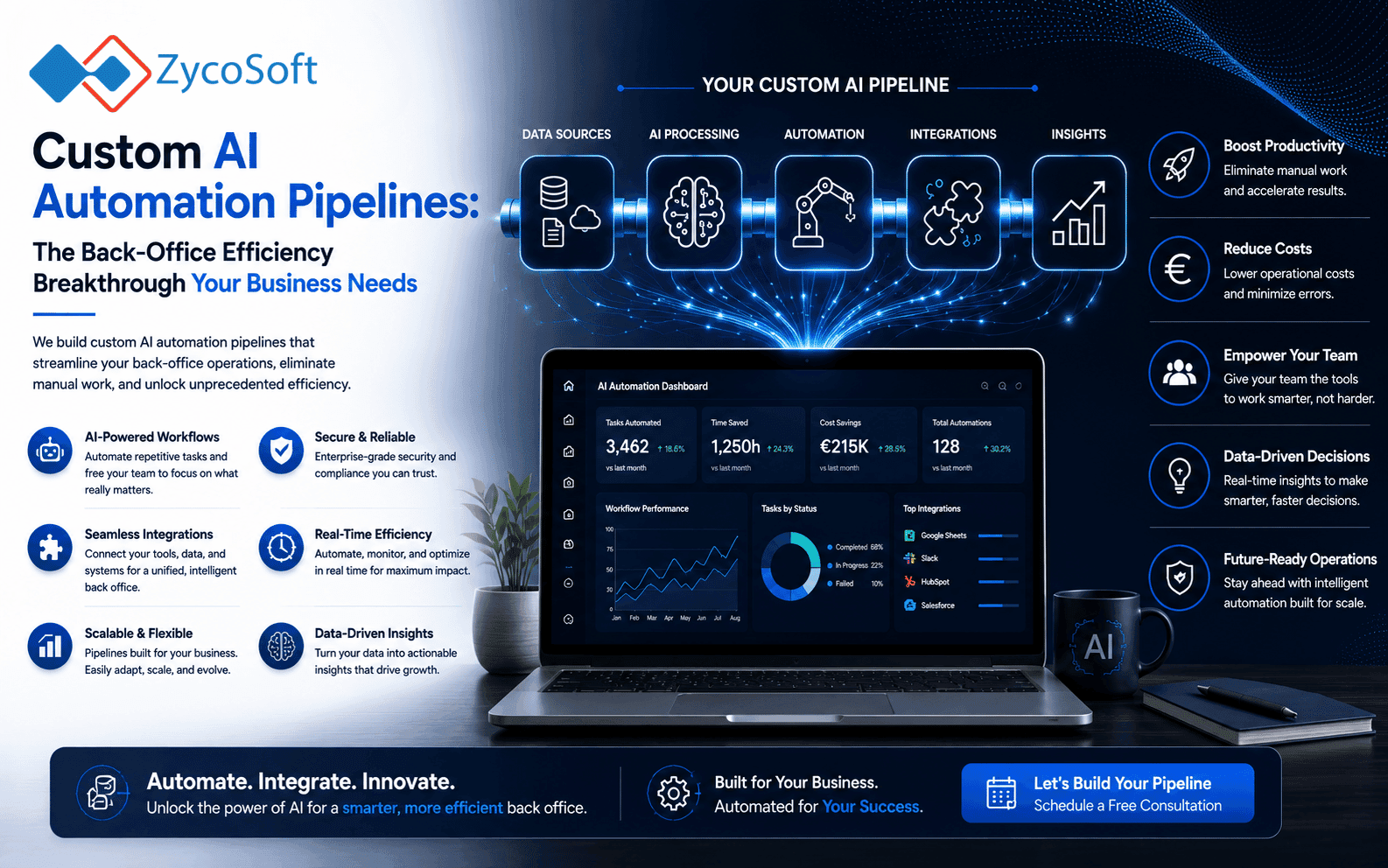
Beyond the Bot: Building Custom AI Automation Pipelines for Back-Office Efficiency
Most businesses attempting to adopt artificial intelligence make a fundamental mistake: they treat AI as a conversational partner rather than a workflow component. They prompt a chatbot to summarise a document or draft an email, but the human operator still remains the bottleneck, manually moving data between windows. This approach fails to deliver real scalability. To achieve true operational efficiency, companies must move towards architecting custom AI automation pipelines that connect disparate systems through logic-driven sequences.
True efficiency comes from ai automation services for reducing manual back office tasks by integrating Large Language Models (LLMs) directly into existing software ecosystems. Instead of a human reading an invoice and typing details into an ERP, a robust pipeline detects the incoming file, extracts structured data using an LLM, validates that data against existing records, and updates the ledger automatically. This is the difference between a toy and a tool.
Why Basic LLM Prompts Fail to Scale Operations
Basic prompting is reactive. It requires a human to initiate every interaction, which means the time saved per task is negligible when viewed across an entire department. If an operations director wants to see the impact of AI, they should not look at how much faster an employee can write an email, but how many hours of manual data entry can be eliminated entirely.
The limitations of manual prompting are clear:
- Lack of Integration: Chatbots exist in a silo and cannot "talk" to your CRM or accounting software without human intervention.
- Inconsistency: Human users may prompt differently, leading to unpredictable data outputs that make automation difficult.
- High Cognitive Load: The human remains the "glue" between systems, which is exactly the inefficiency AI is meant to solve.
To solve this, businesses require custom ai pipelines for business processes where the LLM acts as the reasoning engine within a larger, automated machine. This requires moving from "chatting" to "orchestrating."
Architecting Robust AI Pipelines with n8n and LLMs
Building an enterprise-grade pipeline requires a workflow orchestrator. We specialise in using tools like n8n to bridge the gap between unstructured data and structured business systems. An effective pipeline follows a strict architectural pattern: Trigger, Reason, Validate, and Execute.
The "Trigger" might be a new entry in a Stripe account or an incoming email from a supplier. The "Reason" stage involves sending that data to an LLM with a specific, structured instruction set (often returning JSON) to extract precise data points. The "Validate" stage is critical; it ensures the AI's output meets your business rules before any action is taken. Finally, the "Execute" stage uses an API to push that validated data into your target system, such as a dedicated CRM or an inventory management tool.
Consider a scenario involving invoice processing. A manual process involves a staff member opening an attachment, reading the amount, the vendor, and the due date, then typing this into an accounting system. An automated pipeline triggers upon receipt of the PDF, uses an LLM to convert the visual layout into a JSON object, validates the tax amount against local regulations, and logs the invoice in the accounting software. The human only intervenes if the validation step fails.
Selecting the Right Architecture for Data Security and Compliance
A primary concern for any Head of Digital Transformation is data sovereignty and security. When implementing ai workflow automation for uk smes, the method of data transit is paramount. Using generic web interfaces for sensitive data is a significant compliance risk. Instead, the architecture should rely on direct API calls to model providers that offer enterprise privacy guarantees—ensuring your data is not used to train public models.
When designing these systems, follow this deployment checklist:
- Use API-only interfaces: Ensure the LLM is accessed via an API where data privacy settings are strictly controlled.
- Implement Structured Outputs: Force the AI to output in JSON format to ensure the next step in the pipeline can read it without error. p>
- Build Validation Loops: Always include a step that checks the AI output for logic errors or missing fields before it hits your production database.
- Audit Logging: Every automated action must leave a clear digital trail for human oversight and compliance auditing.
The Strategic Value of Dedicated Engineering for AI Integration
Implementing these systems is not a matter of "plug and play." It requires a deep understanding of software architecture, API documentation, and the nuances of LLM behaviour. This is why many mid-market firms opt for a dedicated team extension to handle the build and scale phases of their digital transformation. A remote engineering partner provides the specialised knowledge required to ensure these pipelines are not just functional, but resilient and secure.
Whether you are managing complex payment integrations via Stripe or Mollie, or managing large-scale data movement, the goal is a seamless, invisible backend. By moving beyond simple bots and towards sophisticated, custom ai pipelines, you transform your back office from a cost centre into a high-speed engine of growth. This enables your team to focus on high-value strategic work rather than the repetitive drudgery of manual data entry.
Optimise your operations by moving to an automated, architected future. Contact ZycoSoft to discuss your custom automation requirements. https://www.zycosoft.com/contact
Frequently Asked Questions
To reduce manual tasks, you must move from manual chat interfaces to automated pipelines. This involves using workflow engines like n8n to connect your existing software (ERP, CRM, Email) to LLMs via APIs. The AI processes the data, extracts required information, and pushes it directly into your database, eliminating human typing.
Security depends on the implementation architecture. Avoid public web-based chat interfaces for sensitive data. Instead, use enterprise-grade API connections where data is not used to train foundation models. Implementing custom AI pipelines allows you to control the data flow, ensuring that sensitive company information remains within your secure infrastructure via controlled API calls.
A basic prompt is a single interaction where a human asks a question and receives an answer. An AI automation pipeline is a series of connected steps where data flows automatically from one system to another. It includes triggers (like receiving an email), processing (via LLM), and actions (updating a CRM), requiring no human intervention.
Yes. By using custom AI pipelines, you can automate the extraction of key terms from sales contracts or email threads. The AI can identify pricing, quantities, and dates, and then use an API to update your sales ledger or CRM, significantly reducing errors associated with manual data entry sales processes.
For enterprise-grade results, combination of workflow orchestrators like n8n and Large Language Models (LLMs) is highly effective. n8n allows for complex logical branching and API connections, while LLMs provide the reasoning capabilities to understand unstructured data, making them ideal for highly custom business logic.