
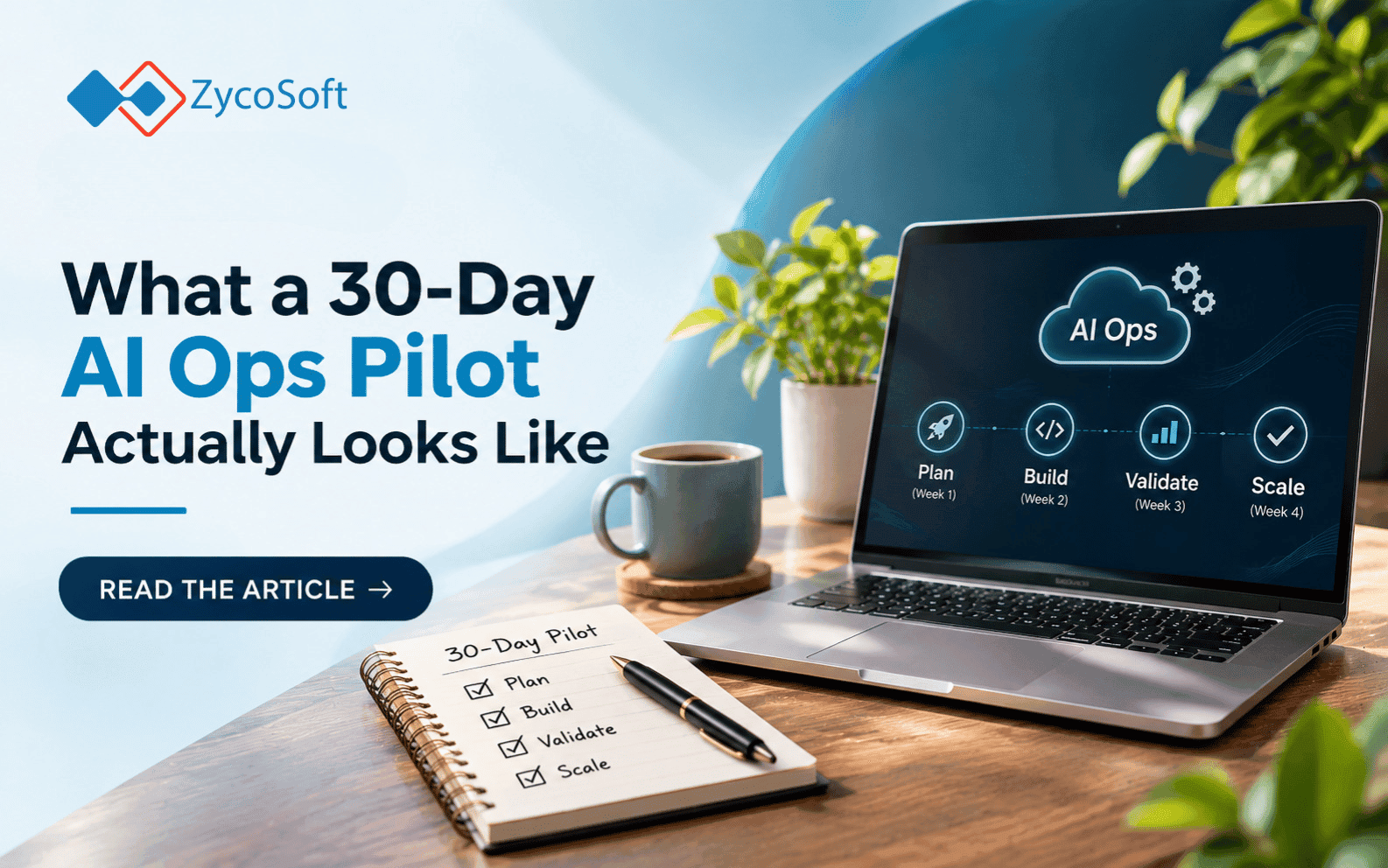
What a 30-Day AI Ops Pilot Actually Looks Like.
Most founders who want to automate their operations get stuck at the same point: they know something should change, but they have no idea what the first thirty days with an AI Ops partner actually involve. The sales pitches do not help. "We study your workflows and automate the painful ones" is true, but it does not answer the real question, which is: what are we doing week by week, and how do I know if it's working?
This is a straight account of how a 30-day AI Ops engagement is structured, what gets built, and what you should be able to measure at the end of it.
Key takeaways:
- Week 1 is entirely discovery no code, no automations, just mapping what actually happens in your operations and where the friction lives.
- The first automation built is always narrow and high-frequency, not the most complex problem you have.
- Testing with real data in week 3 is what separates useful automations from impressive demos.
- By day 30, you should have one working automation, one measurement of what changed, and a prioritized list of what to build next.
- The Monday morning action item before you start: document one operational task your team repeats every day that takes more than 10 minutes. That is where week 1 starts.
Week 1: mapping what actually happens
The first week is not about tools or APIs. It is about understanding the real workflow, not the ideal one documented in a process doc from 2022.
A good AI Ops partner will spend this week asking your team to walk through operational tasks live, not describe them. The difference matters. What people describe and what they actually do are almost always different. Someone will say "we pull orders from Shopify and check the 3PL dashboard" and what they mean is they have six browser tabs open, copy-paste a tracking number into a spreadsheet, then send a Slack message if something looks wrong. Those are five steps, not two.
The output of week 1 is a workflow map: every step, every tool touched, every human decision point, every handoff. This is usually done in a shared document or a lightweight visual tool like Miro or FigJam. The map is not a deliverable for its own sake. It is the basis for everything that gets built in weeks 2 and 3.
By the end of week 1, you should have mapped at least two or three workflows in full. You should also have a shortlist of which workflow to automate first, ranked by two criteria: how often does it happen (daily is better than weekly), and how painful is a failure when the human gets it wrong.
Week 2: designing the automation and choosing the tools
Week 2 is where the technical work starts, but it is still mostly design.
The first automation is always narrow. If the workflow map from week 1 shows that your support team manually checks order status, copies it into Zendesk, and sends a canned reply to the customer, that is three steps that can become one. The automation: an event in Shopify triggers a lookup, formats the message, and sends it via Zendesk without a human in the loop. No magic, no AI required for that specific step just a workflow tool like n8n or Make connecting two systems you already use.
Whether AI is involved depends on what the step actually needs. Routing a support ticket to the right queue based on content needs a classifier. Checking if an order is delayed does not. The honest version of AI Ops is that most high-frequency operational work gets automated with logic, not models. AI comes in where there is ambiguity: unstructured text, variable inputs, decisions that need context. If a partner tells you everything needs a custom LLM, that is a signal to push back.
By end of week 2: a detailed design for the first automation, agreed tool choices, and a clear list of the data connections and API credentials needed to build it. If those credentials take time to get and they often do in larger companies the earlier you surface this the better.
Week 3: building and testing with real data
The build itself is usually faster than people expect. A well-scoped first automation takes two to four days to build in a tool like n8n, Zapier, or a custom Python script depending on the integration requirements.
The part that takes longer is testing with real data.
Synthetic test cases will pass almost every time. Real data will find the edge cases: the order ID in an unexpected format, the customer email with a special character, the ticket that comes in at 2am after a system state change. A pilot that only tests with clean data has not actually been tested. The right approach in week 3 is to run the automation in parallel with the existing manual process. The human still does the task; the automation also runs; you compare the outputs.
This parallel run usually surfaces two or three scenarios the automation does not handle correctly. Those get fixed in week 3. By the end of the week, you have an automation that has processed real production data, matches human output on the common cases, and has documented handling for the edge cases.
What you do not want at the end of week 3 is an automation that has only been shown in a demo environment. If your partner cannot give you a log of real transactions it processed, that is a problem.
Week 4: measuring what changed and deciding what's next
The final week has two jobs: confirm the automation is stable in production, and establish a baseline measurement.
The measurement is specific to the workflow. For an order status automation, the right metric is not "we automated a workflow." It is: how many tickets did the support team handle on that topic this week compared to last month's weekly average? How long does the customer wait for a response now versus before? Those numbers exist in your Zendesk reports or your Shopify analytics. You do not need a custom dashboard to find them.
What a measurement tells you is not just whether the automation worked. It tells you whether it was the right thing to build first. If the support volume on that topic was already low, the automation worked but the impact was modest. That is useful information. It means the second automation should target something higher-volume or higher-cost-per-failure.
By day 30, the deliverable from a solid pilot is three things: one working automation in production, one real measurement of its impact, and a prioritized backlog of the next three to five workflows to address. The backlog is not aspirational. It is built from the workflow maps done in week 1, ranked by frequency and failure cost.
That backlog is what an ongoing retainer is based on. The first 30 days is not a finished product. It is a working prototype and a roadmap.
The Monday morning action before you engage anyone :
Before you get on a call with any AI Ops partner, do one thing: open a blank document and write down one operational task your team repeats every single day that takes more than ten minutes per occurrence. Write down every step, every tool opened, every person who touches it. Do not clean it up. Do not document the ideal version. Document what actually happens.
That document is what the first week of a pilot should validate or correct. If a potential partner does not ask to see something like it in the first conversation, they are skipping the discovery that makes the rest of the engagement work.
If you are at the stage where you know you want to automate but are not sure where to start, ZycoSoft runs structured 30-day AI Ops pilots that follow exactly this process. Book a 30-minute call at zycosoft.com/consultation.
Rate this article
Choose a star rating, then submit.
Frequently Asked Questions
Pilot pricing varies depending on the number of workflows mapped and the complexity of the first automation built. Most structured 30-day engagements sit in the range of a few thousand to tens of thousands of dollars depending on the systems involved and whether custom integrations are needed. The more useful question to ask is: what is the monthly cost of the problem you are trying to solve?
No. The discovery and design phases require your operational knowledge, not engineering resources. You need someone who knows how the workflows actually run. For testing and production deployment, your partner handles the technical side. The main thing you need to provide is access: API credentials, read access to your tools, and someone on your team who can verify the automation output looks right.
The most common combination for SME and startup operations is n8n or Make for workflow orchestration, connecting to Shopify, Zendesk, HubSpot, Notion, Airtable, Google Sheets, Slack, and similar tools. Custom Python scripts are used when an integration requires more logic than a visual workflow builder handles cleanly. The right tool is always the one that fits the existing stack.
A pilot should end with a clear decision point: continue on a retainer to build out the backlog, pause and run what was built, or stop. The retainer model for AI Ops is typically structured around building and maintaining automations over time, not just delivering a one-time project. The first pilot defines the working relationship and the backlog that an ongoing engagement would address.
Ask for a log of real production transactions the automation processed during the pilot. Ask for the edge cases it found and how they were handled. Ask for the measurement from week 4 as a plain number, not a qualitative assessment. If the partner can answer all three with specific evidence, the pilot was real. If the answers are vague or rely on demo data, they are not.
Comments
No comments yet. Be the first to share your thoughts.
Leave a comment
Comments are reviewed before they appear publicly.