
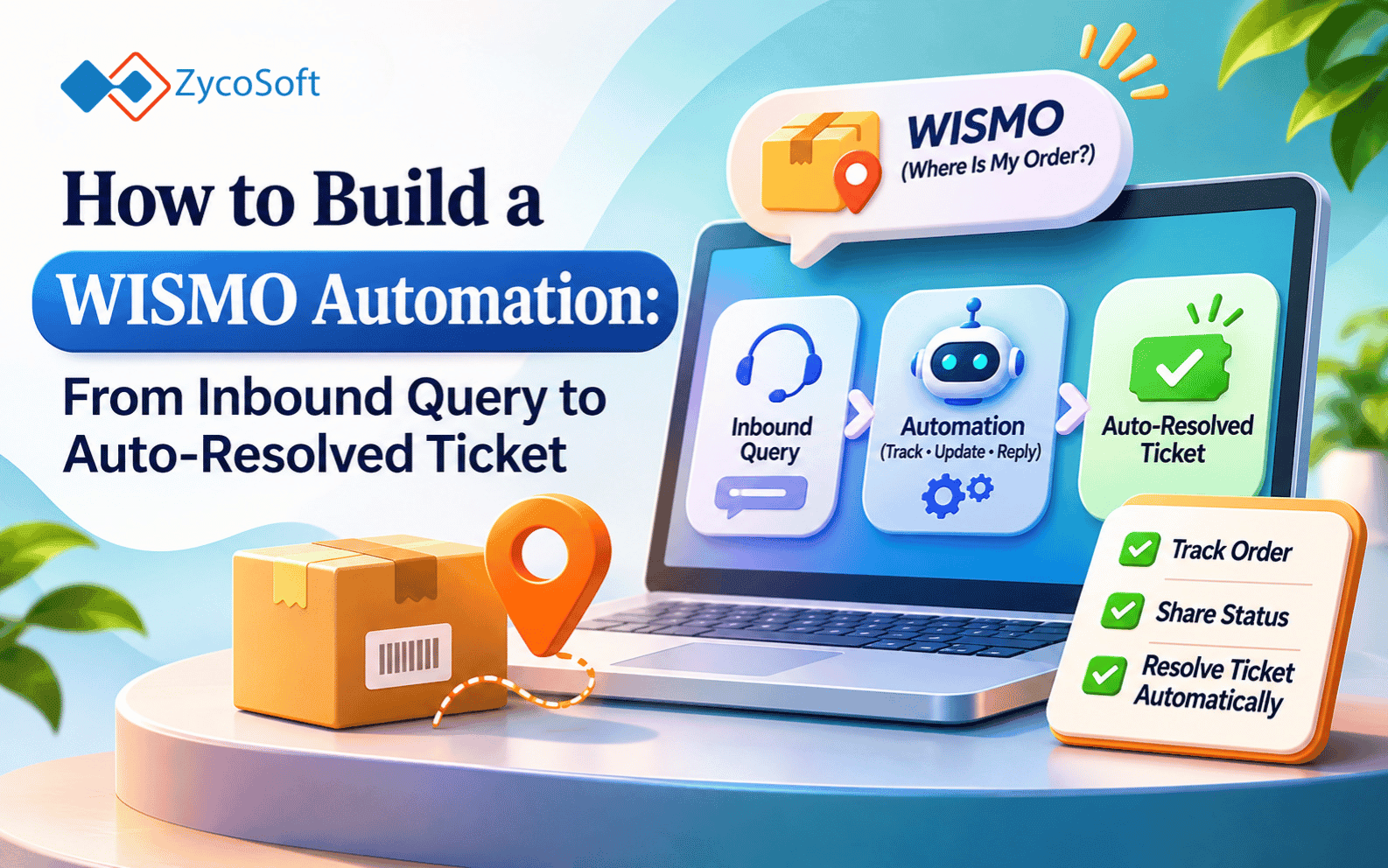
How to Build a WISMO Automation: From Inbound Query to Auto-Resolved Ticket
If you're running 100 or more orders a day on Shopify, a predictable chunk of your support queue is customers asking where their order is. Same question. Same trigger. Every time. The only variable is which customer sent it and which order they're asking about.
That's not a support problem. That's a process waiting to be automated.
This post walks through a complete WISMO automation workflow: how the trigger fires, how you classify the message, how you pull order status from Shopify, how you generate and send a response, and where you route the ticket when the system can't answer cleanly. Tools used: n8n, Shopify Admin API, and Gorgias. If you're on Make or Zendesk, the structure is the same and I'll note where the tool swap matters.
Key Takeaways
- WISMO tickets are automatable because the trigger is predictable: a customer asks where their order is.
- Classification decides whether to auto-resolve or escalate; it does not need to be perfect, it needs to be conservative.
- The Shopify Admin API returns everything you need: fulfillment status, tracking number, carrier, estimated delivery.
- Edge cases (order not found, fulfillment delayed, international lag) need explicit escalation paths or they silently fail.
- The whole workflow runs in n8n with no custom code required for the happy path.
The System in Plain English -
Before the node config, here's the full flow:
- Customer sends a message to Gorgias containing "where is my order," "track my order," "WISMO," "hasn't arrived," or some variation.
- n8n catches the new ticket via Gorgias webhook.
- A classifier checks whether this is a WISMO query. If yes, it proceeds. If not, it exits and the ticket stays in the queue for a human.
- n8n pulls the customer's email from the ticket and queries the Shopify Admin API for open or recently fulfilled orders tied to that email.
- If the order is found and has a tracking number, n8n generates a response with the fulfillment status, tracking link, and estimated delivery.
- The response posts to Gorgias and the ticket closes automatically.
- If any check fails (order not found, no tracking, delayed fulfillment, international order), n8n routes the ticket to a human with a tag and a note about why it was escalated.
That's it. No AI magic. No hallucinated ETAs. Just a lookup and a template.
Step 1: The Trigger
In n8n, create a Webhook node. In Gorgias, go to Settings > HTTP Integrations and add a new trigger:
- Event:
ticket-createdandticket-message-created - Target URL: your n8n webhook URL
- Method: POST
Gorgias sends the full ticket payload including the customer email, the message body, and the ticket ID. You need all three.
If you're on Zendesk instead of Gorgias, use a Zendesk Trigger with a webhook action on ticket.created and comment.created. The payload structure differs slightly but the fields are equivalent.
Step 2: Classify the Message
The classifier answers one question: is this a WISMO query?
You have two options here, and which one you pick depends on your false-positive tolerance.
Option A: Keyword match (fast, no API cost)
Use an n8n Function node with a simple regex check against the message body:
const body = $json.body_text.toLowerCase();

const wismoPatterns = [
  /where is my order/,
  /where's my order/,
  /track my order/,
  /hasn't arrived/,
  /has not arrived/,
  /not received/,
  /when will (it|my order) (arrive|be delivered)/,
  /order status/,
  /shipping update/,
  /wismo/
];

const isWismo = wismoPatterns.some(pattern => pattern.test(body));

return [{ json: { ...($json), is_wismo: isWismo } }];
If is_wismo is false, route to a Stop node. The ticket stays open for a human agent.
Option B: LLM classifier (more accurate, small latency cost)
Send the message body to an OpenAI node with a system prompt like:
You classify ecommerce support messages. Reply with exactly one word: WISMO or OTHER.
WISMO means the customer is asking about order location, tracking, delivery status, or shipment progress.
OTHER means anything else.
This costs roughly $0.001 per ticket at gpt-4o-mini pricing. For 500 tickets/day, that's about $15/month. Worth it if your customers write in ways that defeat regex (typos, non-English, indirect phrasing like "I ordered last week and nothing's shown up").
For most Shopify operators running 50-500 orders/day, keyword match is good enough. Add patterns as you encounter misses.
Step 3: Pull Order Status from Shopify
Once you've confirmed it's a WISMO ticket, extract the customer email from the Gorgias payload and hit the Shopify Admin API.
API call structure:
GET /admin/api/2026-01/orders.json?email={customer_email}&status=any&limit=5
Authorization: Bearer {shopify_access_token}
In n8n, use an HTTP Request node:
- Method: GET
- URL:
https://{your-store}.myshopify.com/admin/api/2026-01/orders.json - Query parameters:
email:{{ $json.customer_email }}status:anylimit:5- Headers:
X-Shopify-Access-Token: {your_token}
This returns a list of orders. Sort by created_at descending to get the most recent one.
The fields you care about:
{
  "fulfillment_status": "fulfilled",
  "fulfillments": [
    {
      "status": "in_transit",
      "tracking_number": "1Z999AA10123456784",
      "tracking_company": "UPS",
      "tracking_url": "https://www.ups.com/track?tracknum=1Z999AA10123456784",
      "shipment_status": "in_transit",
      "estimated_delivery_at": "2026-11-13T00:00:00-05:00"
    }
  ]
}
Step 4: Build the Response
Use a Function node to construct the reply. Write it once, test it, and leave it alone.
const order = $json.orders[0];
const fulfillment = order?.fulfillments?.[0];

if (!order) {
  return [{ json: { outcome: 'not_found' } }];
}

if (!fulfillment || !fulfillment.tracking_number) {
  return [{ json: { outcome: 'no_tracking', order_number: order.name } }];
}

if (fulfillment.status === 'failure') {
  return [{ json: { outcome: 'fulfillment_failed', order_number: order.name } }];
}

const estimatedDelivery = fulfillment.estimated_delivery_at
  ? new Date(fulfillment.estimated_delivery_at).toLocaleDateString('en-US', {
      weekday: 'long', month: 'long', day: 'numeric'
    })
  : null;

const message = estimatedDelivery
  ? `Hi there, your order ${order.name} is on its way with ${fulfillment.tracking_company}. You can track it here: ${fulfillment.tracking_url}\n\nEstimated delivery: ${estimatedDelivery}.`
  : `Hi there, your order ${order.name} is on its way with ${fulfillment.tracking_company}. You can track it here: ${fulfillment.tracking_url}`;

return [{ json: { outcome: 'resolved', message, ticket_id: $json.ticket_id } }];
Adjust the copy to match your brand's support voice. The logic stays the same.
Step 5: Post to Gorgias and Close the Ticket
If outcome is resolved, use an HTTP Request node to post the reply to Gorgias:
POST https://your-store.gorgias.com/api/tickets/{ticket_id}/messages
Authorization: Bearer {gorgias_token}
Content-Type: application/json

{
  "body_text": "{{ $json.message }}",
  "source": {
    "type": "ticket_message",
    "from": {"address": "support@yourstore.com"}
  },
  "public": true
}
Then make a second request to close the ticket:
PUT https://your-store.gorgias.com/api/tickets/{ticket_id}
{
  "status": "closed"
}
If you're on Zendesk, use the Tickets API: PUT /api/v2/tickets/{id}.json with {"ticket": {"status": "solved", "comment": {"body": "...", "public": true}}}.
Step 6: Escalation Paths for Edge Cases
This is where most implementations fall short. If you don't handle edge cases explicitly, they fall into a black hole.
Order not found
The email in the ticket doesn't match any Shopify order. This happens when a customer uses a different email at checkout, when a guest checkout order was placed through a different channel, or when a customer is asking about a competitor's order (yes, this happens).
Action: tag the ticket wismo-not-found, assign to a human queue, add an internal note: "No Shopify order found for this email. Manual lookup required."
No tracking number
The order is fulfilled but the fulfillment has no tracking data. Usually means the 3PL hasn't scanned the package yet, or the carrier hasn't updated the system.
Action: tag wismo-no-tracking. Post a holding message if it's been less than 24 hours since fulfillment: "Your order is packed and heading out. Tracking typically updates within 24 hours." If fulfillment was more than 48 hours ago, escalate to a human.
Fulfillment failed
fulfillment.status === 'failure' or shipment_status === 'failure'. This means the carrier returned the package or the label couldn't be generated.
Action: escalate immediately. Tag wismo-fulfillment-failed. Do not auto-reply. This one needs a human.
International shipping lag
International orders with carriers like Canada Post, Royal Mail, or DHL Economy routinely sit without tracking updates for 5-10 days. If the order is flagged as international (check shipping_address.country_code !== 'US') and the last tracking event is more than 5 days old, add a note to the auto-response: "International shipments can take 10-15 business days and may not have daily tracking updates."
You can hardcode this by checking order.shipping_address.country_code and branching to a different message template.
Edge Case Routing in n8n :
After the response-builder Function node, add an IF node that checks outcome:
resolved→ post reply, close ticketnot_found→ HTTP Request to tag ticket, add internal note, leave openno_tracking→ check hours since fulfillment, branch to hold message or human queuefulfillment_failed→ tag, escalate, do not reply publicly
This keeps the happy path fast and the failure paths visible. You'll know immediately if something is breaking by watching the escalation tags in Gorgias.
What This Doesn't Replace :
This workflow handles the lookup-and-inform use case. It doesn't handle customers who want a refund because the package is late, or customers who claim they didn't receive a package the carrier marked delivered. Those need a human judgment call and a policy decision.
The goal is not to automate every WISMO ticket. It's to auto-resolve the ones where you have a clean answer, and route the rest to a human with enough context that they don't have to look anything up.
For a 300-order/day operation, this workflow typically covers 60-75% of WISMO volume automatically, based on what we've seen in builds for Shopify operators. The remaining 25-40% gets to a human faster because the ticket already has the order status attached.
If You Want Help Building This :
This is a half-day build if you're comfortable with n8n and have your Shopify API credentials ready. If you're not, or if you want it connected to your 3PL's webhook instead of Shopify's fulfillment API, that's a different job.
ZycoSoft builds and runs automation workflows like this for ecommerce operators on retainer. If you'd rather have it working next week than spend the weekend debugging webhook payloads, book a call: zycosoft.com/consultation.
Rate this article
Choose a star rating, then submit.
Frequently Asked Questions
A tracking page is passive: the customer has to find it and enter their order number. WISMO automation is active: it intercepts the support ticket and responds in the same channel the customer already used. For customers who email or message directly, the tracking page doesn't help because they already chose not to use it.
Yes, with the right trigger. Gorgias centralizes messages from email, chat, SMS, Instagram, and Facebook into the same ticket system. The n8n webhook fires on any new ticket regardless of channel. The only change is the response format: keep it shorter for SMS.
The workflow queries the last 5 orders and picks the most recent one. If a customer is asking about a specific order number, you can add a step that looks for an order number pattern in the message body (e.g., `#1234`) and uses that to filter. Most customers asking "where is my order" have one recent order, so this edge case is rare.
Just API credentials. Create a custom app in your Shopify admin under Settings > Apps > Develop apps. Grant it `read_orders` and `read_fulfillments` scopes. That's enough for this workflow.
The n8n workflow will fail at the HTTP Request node. Configure an error handler on that node to tag the ticket `wismo-api-error` and leave it open for a human. The customer gets no response, which is better than a bad one. Build a Slack notification into the error path so your team knows when it's happening.
Comments
No comments yet. Be the first to share your thoughts.
Leave a comment
Comments are reviewed before they appear publicly.