
We Mapped a 7-Step Order Exception Workflow. Here's What We Found (And How We Cut It to 2)
A 3-person ops team. Shopify storefront, a third-party 3PL, Zendesk for support. Somewhere between 50 and a few hundred orders shipping every day.
They were not drowning in volume. They were drowning in coordination.
Every order exception, whether a missing item, an address flag, a delayed shipment, or a fulfilment mismatch, triggered the same chain. Someone had to touch it, hand it off, wait, touch it again, wait again, then close it. The team had no visibility into how long that chain actually was until we sat down and mapped it.
Here is what we found.
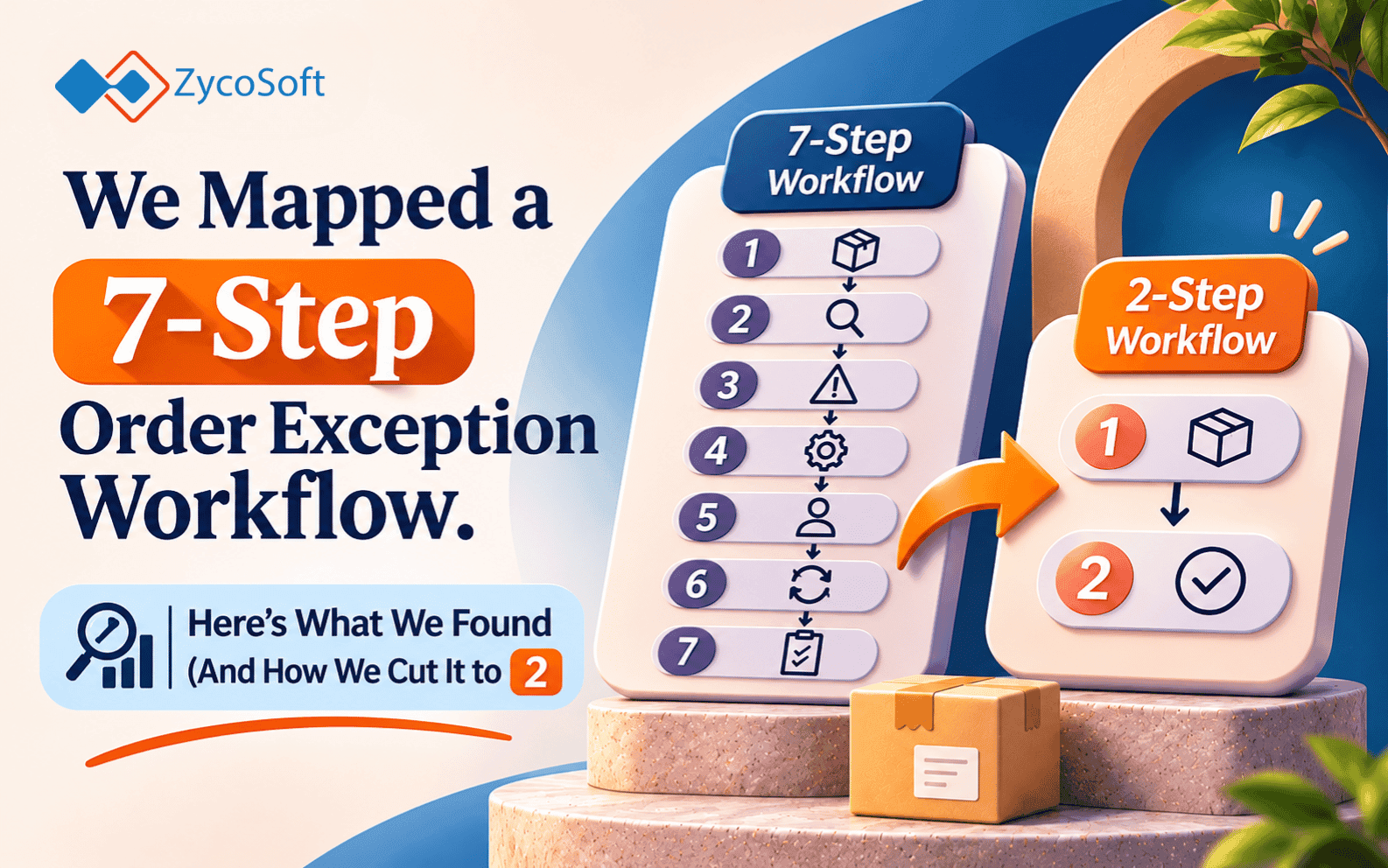
The Before State: 7 Steps to Close One Exception
We walked through a typical exception end-to-end with the team. No tooling changes, no assumptions. Just: what actually happens when an order goes wrong?
Step 1: Check the order
Someone notices the exception, either through a Zendesk ticket from a customer, a Shopify notification, or a flag from the 3PL portal. They log into Shopify to verify the order status.
Step 2: Contact the 3PL
The 3PL does not push exception data into Shopify automatically. So the ops person emails or messages the warehouse contact to ask what happened. Sometimes this is a form. Sometimes it is a Slack message. Sometimes it is an email chain.
Step 3: Wait for confirmation
The 3PL responds. This takes anywhere from a few minutes to a full business day, depending on warehouse shift schedules and how the message was sent. The ticket sits open in Zendesk while the team waits.
Step 4: Update the Zendesk ticket
Once the 3PL responds, the ops person goes back into Zendesk and adds an internal note with the warehouse's response. The ticket status gets updated manually.
Step 5: Reply to the customer
The ops person drafts a reply, usually from scratch or from a loose template, and sends it to the customer. If the exception is a resend or a refund, they also need to trigger that action separately in Shopify.
Step 6: Escalate if no response
If the 3PL has not responded within a certain period, someone escalates. This might mean a follow-up message, a call, or looping in a manager. This step only exists because step 3 has no enforcement mechanism.
Step 7: Close the ticket
Once the customer confirms resolution or enough time passes, the ticket gets closed. Manually.
Seven steps. Each one is a task someone has to remember, initiate, and complete. The chain only moves when a person moves it.
The Diagnostic: Where the Time Goes
The team's first instinct was that they needed more people, or a better 3PL. Neither was true.
When we looked at where exceptions actually stalled, it was not in steps 1, 4, or 7. Those are fast. A person can check an order, update a note, or close a ticket in under two minutes.
The time lived in step 3. And in the gap between step 5 and step 6.
Both of those are wait states. Not work. Waiting for someone else to respond, with no automated follow-up, no visibility into whether the message was received, and no escalation until a human remembered to escalate.
The handoffs between systems made it worse. Shopify does not know what Zendesk knows. Zendesk does not know what the 3PL knows. Each transition between systems required a person to carry information manually from one place to another. That person was also managing a full ticket queue.
The bottleneck was never the number of exceptions. Teams we work with at this scale typically see exception rates that are entirely manageable in terms of raw volume. What breaks them is that each exception requires a person to be the connective tissue between three separate systems, and those systems do not talk to each other.
The After State: 2 Steps
We rebuilt the exception path around two principles: detect automatically, resolve without human initiation.
Step 1: Exception detected and classified
A lightweight integration monitors the 3PL's fulfilment data and compares it against Shopify order status on a scheduled basis. When a mismatch is detected (item not shipped, address flag, fulfilment delay past threshold), it is classified by exception type and a resolution path is triggered automatically.
For the most common exception types, the resolution path is fully automated: a customer notification goes out via Zendesk with the correct message for that exception type, and if a resend or refund is required, that action is queued in Shopify. The Zendesk ticket is opened, populated with context, and set to pending confirmation. No one has to touch it.
Step 2: Human review only when needed
The only time a person is involved is when the exception falls outside the known resolution paths, or when the customer responds with something that requires a judgment call. Everything else closes without human initiation.
The 3PL contact step is gone. The manual Zendesk update is gone. The "did they reply yet" check is gone. The escalation step is gone because there is nothing to escalate until the system actually determines it cannot resolve the exception on its own.
The Takeaway :
Before this team automated anything, they did not know their workflow had seven steps. They knew it was painful. They knew it took time. They had not mapped the handoffs.
That matters because the instinct, usually, is to try to speed up the parts you can see. Reply faster. Update tickets faster. Follow up sooner. But if the bottleneck is a wait state caused by a system handoff that does not need to exist, moving faster around it does not help.
Map the handoffs before you automate anything. Find the steps where work is paused because a system cannot pass information to another system without a person carrying it. Those are the steps worth removing, not speeding up.
If you want someone to map your ops chain before you automate it, talk to us.
Frequently Asked Questions
Order exception workflow automation replaces the manual steps a team takes when an order goes wrong. Instead of a person checking order status, contacting the warehouse, waiting for a reply, updating a ticket, and drafting a customer reply, an automated system detects the exception, classifies it, and triggers the right resolution path. Human review only happens when the exception falls outside a known pattern.
Most order exception workflows accumulate steps because Shopify, the 3PL, and the support desk don't share data. Every time information needs to move between systems, a person has to carry it manually. That person also has a full ticket queue. The result is wait states, re-checks, and escalation steps that exist only because no system automatically follows up.
Walk through one exception end-to-end with the team as it actually happens, not as it should happen. Write down every step, who initiates it, and what they're waiting for. The bottlenecks are almost always the wait states: steps where work is paused because a system can't pass information to another system without a person carrying it. Those steps are the candidates for removal, not just speed-up.
Most ecommerce ops teams running Shopify handle exceptions across three systems: Shopify for order data, a third-party logistics provider (3PL) for fulfilment status, and a support platform like Zendesk for customer communication. None of these push data to each other by default, which is why manual handoffs accumulate.
Human review is appropriate when the exception type is unknown, when the resolution requires a judgment call the system can't make (such as a customer dispute), or when the exception falls outside the defined resolution paths. Everything else — detection, classification, standard resend or refund, customer notification — can and should run without human initiation.